
PHP Critical Security Update October 2026: Fix 2 Major RCE Vulnerabilities
Critical PHP security update October 2026 fixes two RCE vulnerabilities. Check affected PHP versions, CVE details, and how to secure your server.
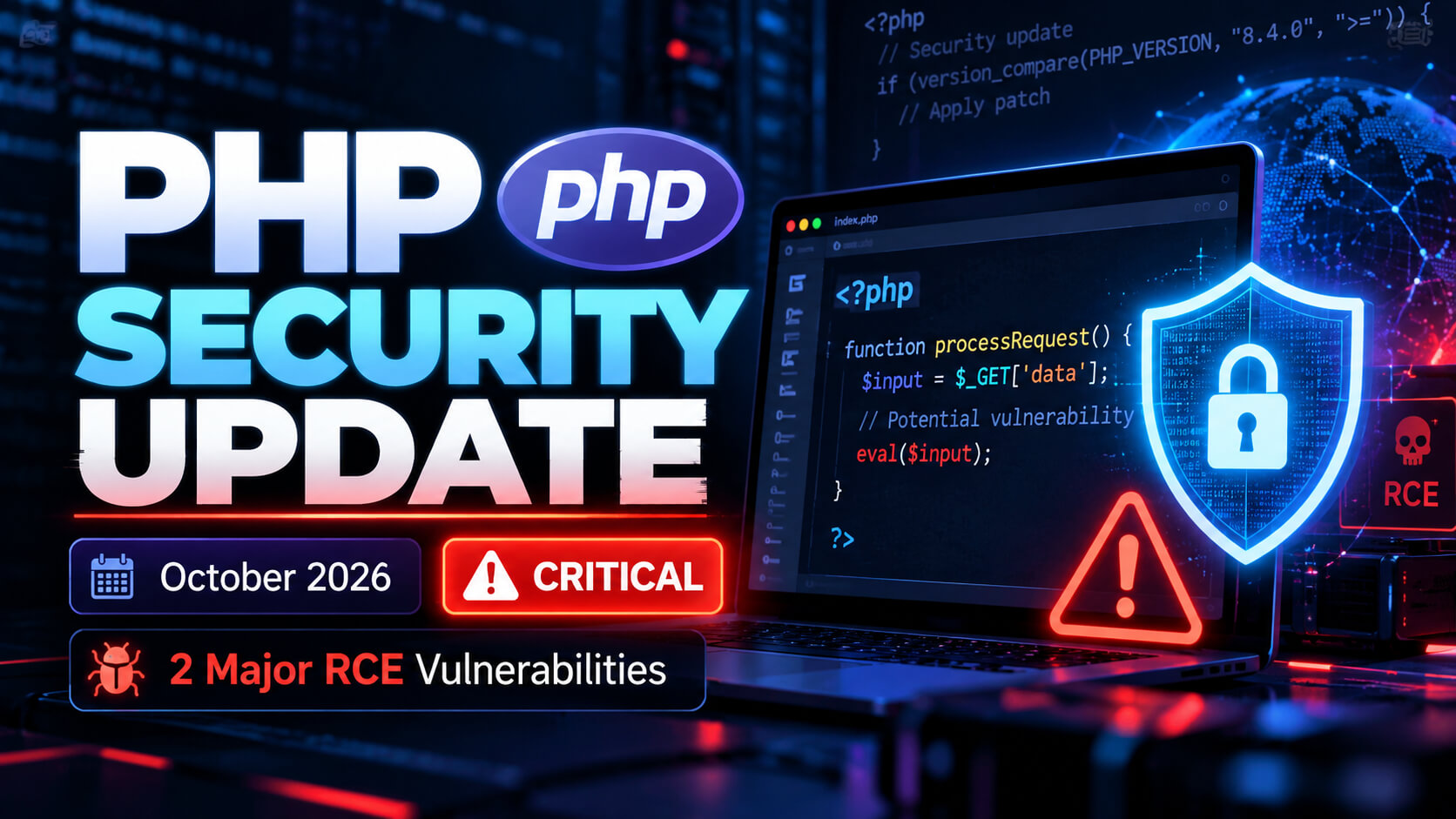
A critical PHP security update released on October 21, 2026, addresses two serious vulnerabilities that could allow attackers to execute malicious code on affected web servers without authentication.
The PHP development team has urged administrators, hosting providers, and website owners to update their PHP installations immediately.
The vulnerabilities, identified as CVE-2026-109618 and CVE-2026-109619, both carry a CVSS v4.0 severity score of 9.2 (Critical).
If your website runs on PHP, including applications built with WordPress, Laravel, or other PHP-based frameworks, now is the time to check your server's PHP version.
What Happened in the October 2026 PHP Security Update?
On October 21, 2026, the PHP development team released emergency security updates addressing two critical remote code execution (RCE) vulnerabilities.
Remote code execution vulnerabilities are particularly dangerous because successful exploitation may allow attackers to run unauthorized commands or code within the affected server environment.
According to the official PHP security advisory, web-facing PHP installations using PHP-FPM, Apache mod_php, php-cgi, FrankenPHP, and LiteSpeed may be exposed.
Apache mod_php installations are considered especially high risk because researchers demonstrated an attack that can be triggered by an unauthenticated request before application code executes.
Which PHP Versions Are Affected?
The following security releases address the two critical vulnerabilities:
| PHP Branch | Security Update |
|---|---|
| PHP 8.5 | PHP 8.5.12 |
| PHP 8.4 | PHP 8.4.27 |
| PHP 8.3 | PHP 8.3.36 |
| PHP 8.2 | PHP 8.2.35 |
Earlier releases within these branches may be vulnerable unless the relevant security fixes have been backported by the operating system or PHP package vendor.
PHP 8.1 and older branches are no longer supported by the official PHP project. Administrators using these versions should plan an upgrade to a supported release or verify that their vendor provides the necessary security patches.
Important: PHP 8.2 will reach its official end of life on December 31, 2026. Website owners should prepare to move to a newer supported version.
Understanding the Two Critical PHP Vulnerabilities
1. CVE-2026-109618: Memory Corruption Vulnerability
This vulnerability involves PHP's handling of out-of-memory conditions.
Under certain circumstances, PHP may interrupt request processing while internal data structures are only partially initialized. Subsequent cleanup operations can then interact with invalid memory.
Successful exploitation may result in remote code execution.
Severity: Critical, CVSS 9.2
2. CVE-2026-109619: Stale Global State Vulnerability
This vulnerability occurs when internal request state remains accessible after the memory supporting it has been released.
A later request processed by the same PHP worker may interact with that stale state, potentially allowing an attacker to execute unauthorized code.
Severity: Critical, CVSS 9.2
Both vulnerabilities require urgent attention because certain attack paths do not require an authenticated user.
Additional PHP Security Advisory: October 23, 2026
On October 23, the PHP team published another advisory concerning CVE-2026-115560, a separate potential remote code execution issue involving an unusual PHP session configuration.
This issue requires a particular combination of session serialization settings and application behavior. The PHP team considers the scenario unlikely in typical applications.
As an interim precaution, administrators can disable PHP session upload progress until the next regular bug-fix release:
session.upload_progress.enabled = 0This setting should be applied through the appropriate PHP or server configuration, followed by a restart of the affected PHP workers.
The October 21 security releases should still be installed immediately. The additional October 23 advisory requires separate attention until its fix becomes available.
How to Check Your PHP Version
If you have SSH access to your server, run:
php -vThis command displays the PHP version used by the command-line interface.
For websites hosted through cPanel, DirectAdmin, aaPanel, or other hosting control panels, check the PHP version assigned to the website through the relevant PHP management section.
Remember that the command-line PHP version may differ from the version actually serving your website.
How to Protect Your PHP Website
Follow these steps to reduce your exposure to the October 2026 PHP vulnerabilities.
Step 1: Identify your current PHP version
Check the PHP version running your website and determine whether the required security patch is installed.
Step 2: Back up your website
Create a backup of your website files, database, and important server configuration before making changes.
Step 3: Install the security update
Upgrade to the appropriate patched PHP version or install the verified security-fixed package supplied by your operating system or hosting vendor.
Step 4: Restart affected PHP services
Restart or reload PHP workers and related services as required by your server configuration and package update process.
Step 5: Test your website
Check important functions such as user login, checkout, payment processing, database connections, file uploads, and scheduled tasks.
Step 6: Verify the running version
Confirm that your website is actually using the patched PHP build.
If you use WordPress or Laravel, also keep the application, plugins, dependencies, and related packages updated.
Can a Firewall Protect an Unpatched PHP Server?
Firewalls, web application firewalls, and request filtering can help reduce exposure to some attacks.
However, the PHP security team has warned that temporary mitigations do not provide complete protection against the two October 21 vulnerabilities.
Installing the security patches remains the recommended solution.
If immediate patching is impossible, administrators should review the official PHP advisory and consider restricting public access to affected services until the fixes can be deployed.
Frequently Asked Questions
Is the October 2026 PHP security update important?
Yes. The update addresses two critical vulnerabilities that can permit unauthenticated remote code execution under affected conditions.
Are WordPress websites affected?
WordPress runs on PHP. A WordPress website using an affected PHP runtime may be exposed, regardless of whether WordPress itself is updated.
Are Laravel applications affected?
Laravel applications rely on PHP. Administrators should verify the security status of the PHP runtime serving their applications.
What PHP version should I update to?
Use PHP 8.5.12, 8.4.27, 8.3.36, or 8.2.35 as appropriate for your installed branch, or an equivalent vendor-patched build. For long-term maintenance, plan upgrades to currently supported PHP branches.
Does updating PHP automatically fix every security issue?
No. PHP security updates address issues in the PHP runtime. Website frameworks, extensions, libraries, and server software require their own security maintenance.
Final Thoughts
The October 2026 PHP security releases deserve immediate attention from anyone responsible for a PHP website or hosting server.
Whether you manage a personal website, a business application, or multiple customer hosting accounts, check your PHP installations and apply the appropriate patches.
Regular updates, reliable backups, and verification after deployment can help reduce the risk of avoidable security incidents.
Official PHP Security Information: https://www.php.net/archive/2026.php
PHP Downloads: https://www.php.net/downloads.php